Log In With Ease
Use your email address or social accounts, FaceID or TouchID for easy login access.


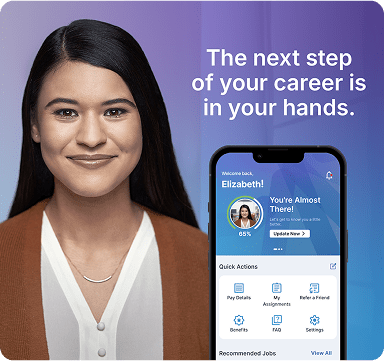
Tired of the job hunt grind? Say goodbye to endless searches and messy applications. The My Manpower app is designed for your hustle, putting everything you need at your fingertips. Download now and take control of your career.


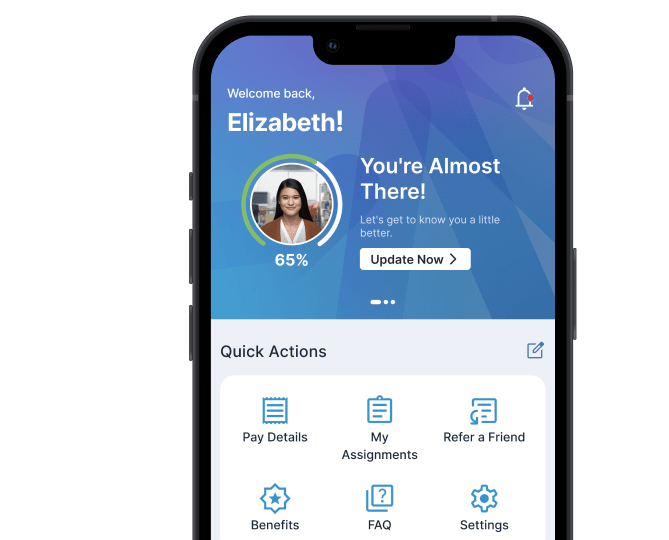
Use your email address or social accounts, FaceID or TouchID for easy login access.

Upload your resume and information within a few easy steps.

Filter by location, distance, and hours.

Manage quick actions like pay, jobs, and settings directly from your dashboard.

View saved jobs, create job alerts and find recommended jobs for you.


Yes! You can use the app to search and apply for jobs. If/when you are placed on assignment through Manpower, additional features will be unlocked for you. To get started:
Step 1: Download the My Manpower app from the App Store or Google Play.
Step 2: Open the My Manpower app on your phone, and select US as your country.
Step 3: Click "Log in/Sign Up" and then click the "Sign up" button.
Step 4: Follow the prompts to create your account. You'll need to enter your email address (which must be verified), provide your first and last name, and create a password. Click "Create Account."
Step 5: Enter your phone number and follow the prompts to finish verifying your account.
Step 6: Complete your initial profile setup and then click "Continue."
Step 7: You now have a Manpower Account!
Once back to the log-in screen, follow the sign-in process using the email and password used to create your account.
Yes, you can log into the My Manpower app as an existing user with the following steps:
Step 1: Download the My Manpower app from the App Store or Google Play.
Step 2: Open the My Manpower app on your phone, and select US as your country.
Step 3: If you already have an account, click on "Log in/Sign Up," then enter the same email and password you use on the Manpower.com website. Select "Sign in."
Step 4: Select a method to receive a verification code to the phone number linked to your account. Enter the code you received, and select "Verify code."
Step 5: Choose a 5-digit PIN for easy login in the future. Select "Confirm."
You're now logged in and ready to explore the app!
No, you don't need an account to kickstart your job search in the Manpower app. To start looking for your next opportunity with Manpower, simply:
Manpower supports you in the application process and helps you find the right job!
DOWNLOAD NOW